
How to Know If a Fax Was Received: Reading the Report
The SendFax.me Team · September 11, 2026 · 6 min read
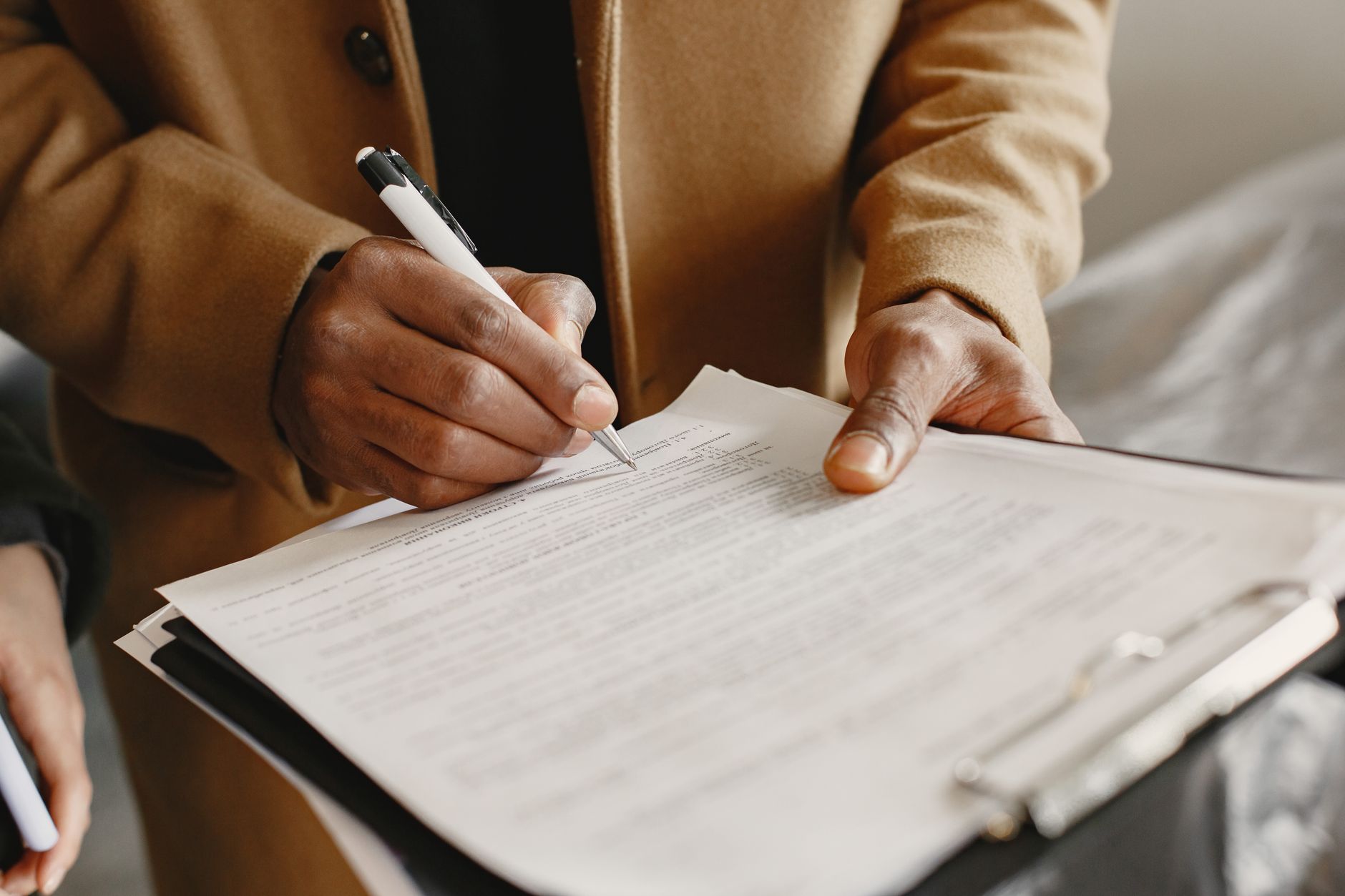
You hit send on a fax to a specialist's office, a court clerk, or the IRS, and then the waiting starts. How to know if a fax was received isn't a silly question, it's the single most common source of anxiety in faxing, because unlike email there's no read receipt by default and unlike certified mail there's no signature. The good news is that fax has always had a built-in confirmation mechanism, you just need to know what it looks like and what it actually proves.
What a Fax Confirmation Actually Confirms (and What It Doesn't)
Every standard fax call runs on a decades-old protocol called T.30. When your document finishes transmitting, the receiving machine sends back a specific signal called an MCF, short for Message Confirmation Frame, which literally means "page received successfully." Your sending machine or online fax service only marks the fax as delivered once it gets that MCF back. If the call drops, the line is busy, or the receiving machine runs out of paper or memory mid-transmission, that MCF never arrives and the transmission is logged as failed.
That's genuinely useful, but it has a limit worth understanding before you rely on it for something important. A successful confirmation proves the receiving fax device accepted every page of data. It does not prove a human being opened the document, read it, or acted on it. A jammed printer, an overflowing digital inbox, or a fax number that auto-forwards to nowhere can all sit between a technically successful transmission and someone actually seeing your paperwork.
Reading a Transmission Report Line by Line
Whether it prints on paper or lands in your inbox as a PDF, a transmission report contains the same core fields. Here's what to actually check, in order of importance:
- Status field: Look for "OK" or "Success." Anything else, including "NG," "ERROR," "No Answer," or "Busy," means the fax did not complete and needs to be resent.
- Page count: Compare the pages shown against the pages you actually uploaded. A mismatch means the transmission was interrupted partway through, even if the status looks fine.
- Destination number: A one-digit typo here is the single most common reason faxes end up at the wrong desk.
- Date and timestamp: This is what matters for deadline-sensitive filings like court documents or tax forms.
- Duration and a unique transmission or job ID: Less important day to day, but useful if you ever need to reference a specific fax when troubleshooting with support.
If you're getting failures more often than you'd expect, our guide on why a fax fails walks through the most common causes and fixes.
Why the IRS, Courts, and Insurers Treat This Report as Proof
Here's a detail that trips a lot of people up: several government agencies do not send their own confirmation at all. IRS guidance for forms like 8886, 8023, and 3115 is explicit that the agency will not provide a confirmation or receipt, and taxpayers are told to keep their own fax transmission log as their proof of filing. In other words, for these filings your transmission report from your fax machine or online service is the only record that exists that you sent anything, so it needs to actually be legible and saved somewhere you can find it later.
The same logic applies to a lot of the other places people still fax: prior authorization requests to insurers, signed consent forms to hospitals, and filings to courts that don't yet accept e-filing. None of these recipients typically fax back a "we got it" note, which is exactly why the report generated on your end carries so much weight in a dispute.
Traditional Machines vs Online Fax: Where the Confirmation Comes From
A desktop fax machine prints a thermal slip after each transmission, assuming the confirmation setting is turned on, and it's easy to lose, fade, or simply forget to check. An online fax service handles this differently: instead of a paper slip you get to a dashboard entry and an email notification the moment the MCF signal comes back, with a permanent digital copy you can search later instead of a curling thermal receipt.
That difference matters most when the stakes are high. A digital confirmation is timestamped, easy to forward to a colleague, and doesn't disappear when someone tidies up a desk. It's also far easier to attach to a patient's file, a case management system, or your own tax records than a piece of thermal paper.
How SendFax.me Confirms Every Fax You Send
SendFax.me sends faxes to 29 countries directly from a browser, no fax machine required, and every fax you send comes with a delivery confirmation and a transmission report so you're never left guessing. You can send your first fax free to see exactly what that confirmation looks like, upload a PDF or image, add a cover page, and even fill and sign the document right in the browser before it goes out. If you need to send the same document later in the day, scheduling it ahead of time is built in, and a contacts book keeps recurring recipients, like a specific clinic or law office, one click away instead of retyped every time.
Because pricing is pay-as-you-go per page with no subscription, there's no monthly plan to justify just to get a reliable confirmation on the handful of faxes you send in a typical month. If you need a dedicated number so people can fax documents back to you, or you'd rather send straight from your email inbox, both receiving faxes and email-to-fax are supported too.
For Companies: Automating Confirmation Checks with the API
If your business sends faxes at any real volume, checking a dashboard one at a time doesn't scale. A pharmacy sending prescription faxes, a legal ops team pushing filings, or a SaaS platform faxing on behalf of its users needs confirmation status delivered automatically, not manually checked. The SendFax.me fax API sends a fax with a single POST request and pushes real-time status updates through webhooks, so your system knows the moment a fax succeeds or fails without polling anything. API keys are generated from your dashboard, and volume credit packs start around 4 cents per US page, which makes it realistic to build confirmation logic directly into an EHR, a claims workflow, or a logistics platform.
If you're evaluating a handful of SaaS tools for your stack this quarter, it's worth a mention that the same team behind SendFax.me also built Rehunt, a personalized Product Hunt digest delivered to your inbox on your schedule, which is a quick way to keep tabs on new tools without doom-scrolling a feed every day.
Quick Checklist for High-Stakes Faxes
- Confirm the status field reads OK or Success before you consider the job done
- Double check the page count matches what you uploaded
- Save the confirmation, especially for the IRS, courts, or insurers who won't send their own receipt
- Follow up by phone for anything with a hard deadline, since a confirmed transmission still doesn't guarantee a human opened it
- Use a service that emails you a confirmation automatically so you're not relying on a paper slip
Create a free SendFax.me account and send your first fax at no cost to see the confirmation process for yourself, or check pricing if you're comparing costs for occasional versus higher-volume sending.
Need to send a fax right now?
Upload your document, enter the number, and it's delivered in minutes, and your first page is free. No fax machine, no subscription.