
Can You Fax in Color? Usually Not, and Here's Why
The SendFax.me Team · September 9, 2026 · 6 min read
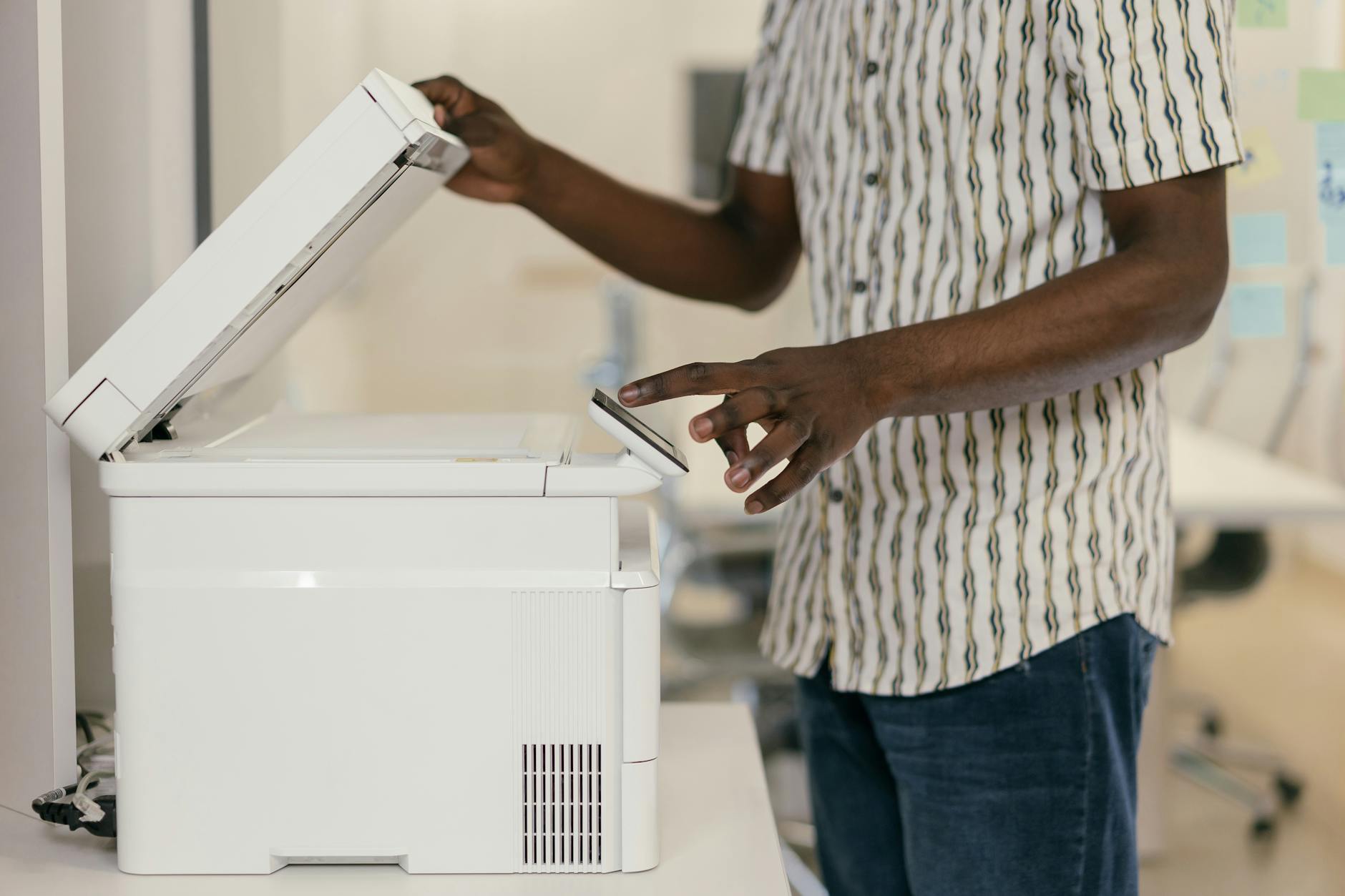
If you've ever tried to fax a photo, a color chart, or a document with highlighted sections, you've probably asked: can you fax in color? The short answer is technically yes, but in practice almost never, and the reason has less to do with your scanner or app and more to do with a decades-old telecom standard that most fax machines never bothered to fully adopt.
Why Almost Every Fax Comes Out Black and White
Standard fax machines communicate using the ITU-T Group 3 protocol, built on the T.4 and T.30 recommendations. These standards were designed in the 1980s around monochrome image compression, because black and white data compresses far smaller and transmits far faster over analog phone lines. That efficiency is exactly why fax became the go-to method for scanned paperwork in the first place, and it's also why color was never part of the core spec.
A color extension does exist. It's called T.30-E, and it layers JPEG-based color encoding (defined in T.42) on top of the original T.30 negotiation process. In theory, two machines that both support T.30-E can exchange full color images using a device-independent color space called CIELAB. In practice, support for this extension has stayed extremely limited for almost 30 years.
When Color Faxing Actually Works
Color fax isn't a myth, it's just narrowly compatible. According to fax help documentation from services that support it, you can typically only send a genuine color fax when both the sending and receiving machines use the same T.30-E capable hardware, often from the same manufacturer. One fax service support article puts it plainly: You can send high-quality color faxes if you're transmitting between two color fax machines manufactured by the same company.
The same source explains why sending color outside that closed loop doesn't work: the existence of the ITU-T30e standard for color faxing isn't widely embraced, resulting in many color fax machines only being able to send color faxes to machines produced by the same manufacturer. So even if you buy a brand-new "color fax" printer at an office supply store, it will almost always fall back to black and white the moment it's talking to a machine it doesn't recognize as color-capable.
HP's own documentation for its color-capable all-in-ones confirms this fallback behavior directly: You can fax a color original or photo from the device. If it determines that the recipient's fax machine only supports black-and-white faxes, the fax is sent in black and white. That's not a bug, it's the protocol working as intended, prioritizing delivery over color fidelity.
What This Means for Online Fax Services
This matters just as much when you're sending a fax through your browser instead of a physical machine. Online fax platforms still transmit over the same Group 3 network to reach traditional fax lines, so the same compatibility rules apply. As one fax provider's scanning guidance puts it plainly: In general, you cannot fax in color. Fax is traditionally a black-and-white medium, as color faxing is relatively uncommon. Please note that black-and-white faxing is not grayscale, but plain-old black-and-white.
That last point trips people up. True fax black-and-white mode is closer to a high-contrast line drawing than a grayscale photo. Thin colored text, pale highlighter marks, and light-colored watermarks can lose contrast and become unreadable once converted, even though bold black text and simple line art come through cleanly.
A fax industry comparison guide sums up why the format has stuck around despite the limitation: Most fax machines and online fax services only support black-and-white faxes to ensure universal compatibility. This guarantees that documents are readable regardless of the recipient's device or service provider. In other words, black and white isn't a downgrade, it's the deliberate design choice that makes fax reliable across mismatched hardware and decades-old machines still sitting in doctors' offices and government agencies.
How to Send Color Documents Without Losing the Details
If your document actually depends on color, like a highlighted contract clause, a medical chart, or a marketing proof, here's how to protect it before you send:
- Boost contrast before you scan or upload. Convert highlighted or colored text to bold black text or add underlines, since color often disappears in transmission but bold marks survive.
- Avoid pastel highlighters. Yellow and light green highlights frequently wash out completely in black-and-white conversion. Orange, pink, or darker shades tend to show up as a visible gray box instead.
- Use PDFs instead of photos when possible. A clean PDF compresses and converts more predictably than a phone photo of a printed page, which can already have shadows and color casts baked in.
- Send at 200x200 DPI or higher when your service allows a resolution choice, since this is the baseline most receiving fax machines expect for legible text and lines.
- When color truly can't be sacrificed, consider emailing a color PDF directly to a recipient who can accept it, and reserve the fax for the copies that specifically require a fax transmission (many medical and legal offices still require fax for compliance reasons even when email would work otherwise).
With SendFax.me, you can upload PDFs or images and send them to 29 countries from any browser, with delivery confirmations and transmission reports so you know exactly how the document arrived. If you're new to the platform, the guide to sending your first fax walks through formatting your file before it goes out, and your very first fax is free so you can test how a document renders before committing to anything else.
For Businesses Sending High Volumes of Scanned Documents
If your organization regularly faxes scanned charts, signed forms, or color-coded paperwork at scale, like a pharmacy, clinic, or logistics company, manually checking every document for contrast issues doesn't scale. This is where automating the process pays off. SendFax.me's fax API lets developers send faxes with a single POST request and receive real-time delivery status through webhooks, so your EHR, billing system, or internal tool can flag failed or garbled transmissions automatically instead of relying on someone noticing after the fact.
If your business also fields a steady stream of routine customer questions alongside all this paperwork, it's worth knowing the same team behind SendFax.me also built Agentika, a 24/7 AI assistant widget that answers visitors on your website and captures bookings while you're busy handling the actual documents.
The Bottom Line
Can you fax in color? Only under narrow conditions, usually matching hardware or a shared platform, and almost never across the open fax network most people and offices actually use. For everyday sending, black and white isn't a limitation to work around so much as the reason fax still works reliably between a modern browser and a 15-year-old machine in a hospital basement. Format your document with that in mind, and it will arrive looking exactly as clear as intended.
Need to send a fax right now?
Upload your document, enter the number, and it's delivered in minutes, and your first page is free. No fax machine, no subscription.