
How to Fax to Mexico From the U.S. Online
The SendFax.me Team · October 16, 2026 · 4 min read
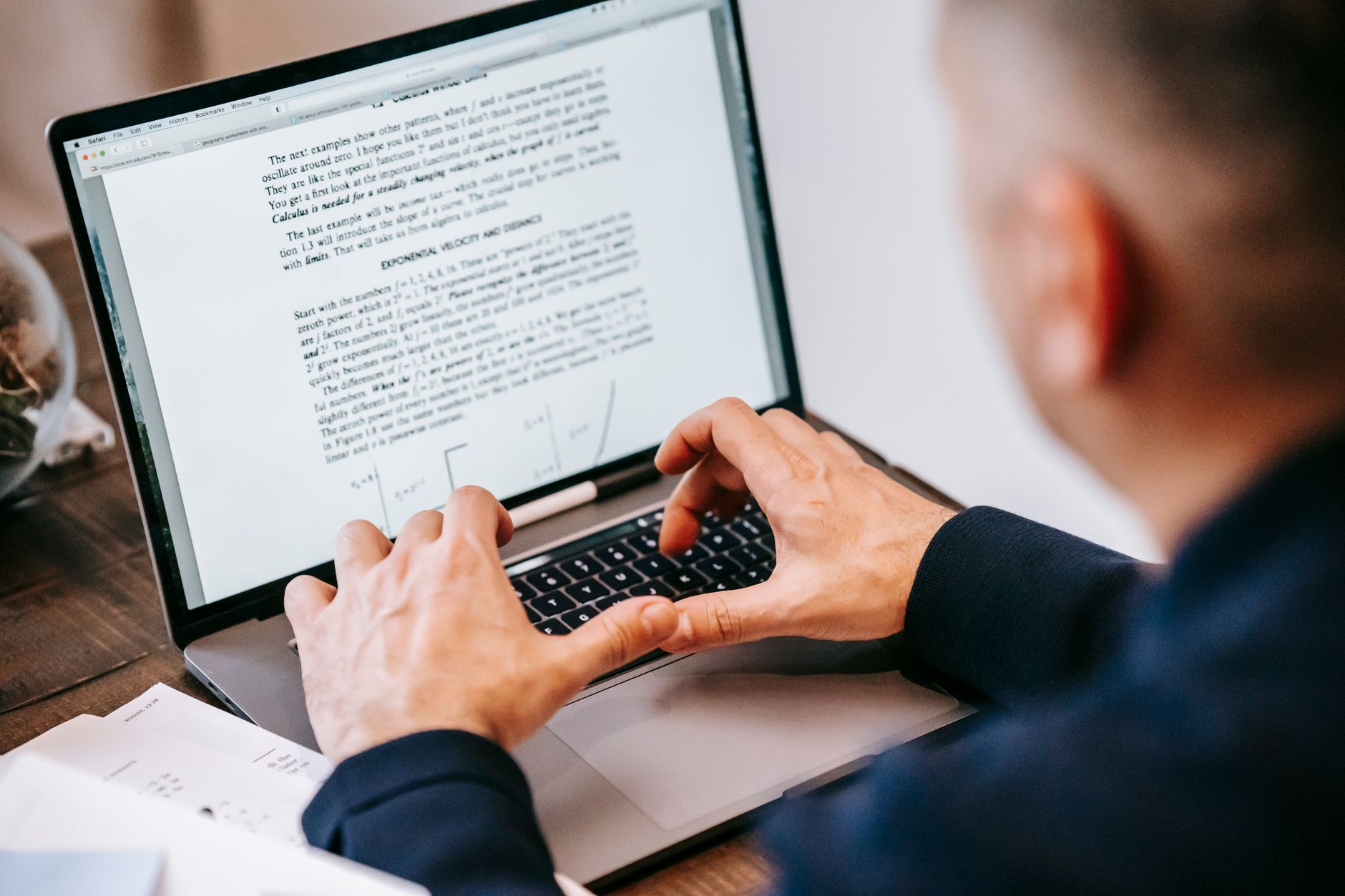
If you need to know how to fax to Mexico from the U.S., you can send the document online without finding a fax machine. The key steps are to verify the recipient’s fax number, enter it in the right international format, and check the transmission report afterward. Mexico is one of the countries SendFax.me supports, and you can send from a browser using a PDF or image.
Check the Mexican fax number format
Mexico’s country code is +52. For an international fax, use +52 followed by the recipient’s complete 10-digit Mexican number. The ten digits include the area code and local number. Mexico’s numbering plan uses ten-digit national numbers, and the old extra “1” once used when dialing Mexican mobile phones from abroad was removed in 2020. (itu.int)
A number might be written like this:
`+52 55 1234 5678`
That’s an illustrative example, not a verified fax destination. Ask the recipient for their current fax number and confirm all ten digits, especially if the number was copied from an old form or saved contact. Don’t add an extra 1 after +52 based on an outdated mobile-number format.
When using an online fax service, enter the international number in the format the service requests. If it has a country selector, choose Mexico and provide the ten-digit number as prompted. The 011 prefix is used for some calls placed from the U.S.; don’t add it to an online fax number unless the service specifically instructs you to.
Prepare the document before sending
A little preparation can prevent a fax that arrives with missing or unreadable information:
- Use the completed version. Check that every required field is filled in and that the pages are in order.
- Make it easy to read. Review the file at normal size. Small print, pale scans, shadows, and cropped edges can make important details hard to see.
- Choose a supported file. SendFax.me accepts PDFs and images. If you have a paper document, create a clear image or scan and check it before uploading.
- Sign it if needed. You can fill and sign a document in the browser before sending.
- Consider a cover page. Add one if the recipient needs a name, department, or short message to route the fax. Include only information that is useful for delivery.
For medical, legal, insurance, or government documents, verify that the recipient accepts fax submissions and that you have the correct department number. For sensitive paperwork, double-check the destination before sending and avoid adding unnecessary personal details to a cover page.
Send the fax online from your browser
Once the number and file are ready, the process is straightforward:
- Open SendFax.me and start a fax.
- Upload your PDF or image.
- Fill in or sign the document in the browser if needed.
- Add a cover page if it will help the recipient identify the fax.
- Enter the Mexican fax number using the international format requested by the sending form. Check that Mexico is the destination and that the number contains the correct ten digits.
- Review the number and document, then send.
You can send to Mexico from a browser, so you don’t need a physical fax machine or a landline of your own. If the recipient has asked for the fax at a particular time, you can schedule it for later.
Understand the price before you send
SendFax.me uses pay-as-you-go, per-page pricing rather than a subscription. The first page of your first fax is free; if that fax has more than one page, the remaining pages are paid. Check the pricing details before sending if you want to know how page charges apply. Don’t assume that the free first page covers an entire multi-page document.
For a one-off fax, this model can be easier to understand than signing up for a monthly plan. For frequent sending, compare the expected page count and destination with the service’s listed pricing before you transmit.
Check the transmission report
After sending, look for the delivery confirmation and transmission report. Keep the report with your copy of the document if you may need to show when you sent it or whether the transmission completed.
A successful transmission report is useful evidence about the fax attempt, but it doesn’t tell you whether the recipient has reviewed the pages, routed them to the right person, or accepted the document for a deadline. If the fax is time-sensitive, contact the recipient to confirm that it arrived and ask whether anything else is needed.
If the fax doesn’t complete, recheck the number against a current source from the recipient, confirm the +52 country code and ten-digit number, and make sure your file is readable. If you still need help diagnosing the attempt, see international faxing help.
Quick checklist for faxing to Mexico
Before sending, confirm:
- You have the recipient’s current fax number, not just a general telephone number.
- The destination is Mexico and the national number has ten digits after +52.
- You have not added the outdated extra 1 after +52.
- The document is complete, readable, and signed if required.
- You’ve reviewed any applicable page charges and saved the transmission report afterward.
If you also make music, our team’s free Spotify Canvas maker creates AI-generated canvases from a Spotify track link.
Need to send a fax right now?
Upload your document, enter the number, and it's delivered in minutes, and your first page is free. No fax machine, no subscription.