
How to Fax to Canada Online From the U.S.
The SendFax.me Team · October 16, 2026 · 6 min read
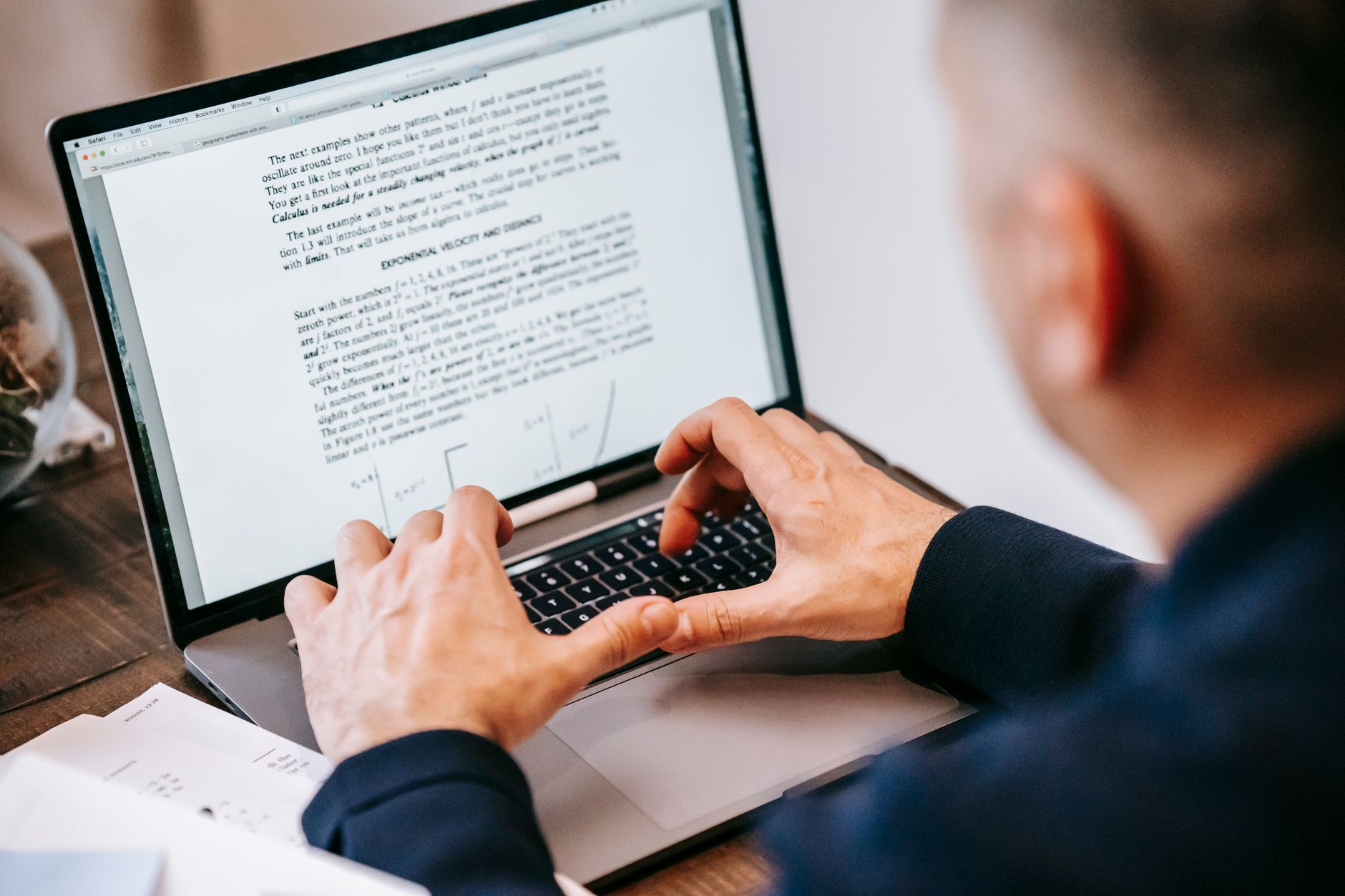
If you need to fax to Canada online from the U.S., the first thing to get right is the recipient’s number. Canada and the U.S. share country code +1, so a Canadian fax number usually has +1 followed by a 10-digit number. You can send from a browser without owning a fax machine, but it helps to confirm the destination and the receiving office’s instructions before you upload anything. (cnac.ca)
Check the Canadian fax number before sending
A Canadian number uses country code +1 and a 10-digit North American Numbering Plan number. That means the complete international format is +1, then the three-digit area code, then the seven-digit local number. For example, an illustrative number could look like +1 416 555 0123. Use the fax number supplied by the recipient, not this example. (cnac.ca)
Because Canada and the U.S. share +1, that prefix by itself does not tell you which country the recipient is in. Confirm the number with the Canadian office, especially if you copied it from an old letter, a website, or a form that shows only digits. Ask whether it is still the correct fax line, not a general phone number.
When entering the number in an online fax service, use the international format with +1 and the full 10 digits. Do not add a second country code or copy an international-exit prefix from instructions written for placing a call from a particular phone system. Online fax services handle the outbound connection; your task is to identify the right destination number. SendFax.me’s international faxing guide explains supported destinations and number formats.
Prepare the document for a Canadian office
Before you send, check what the receiving organization expects. This matters for medical forms, insurance paperwork, legal documents, and government submissions, where an incomplete cover page or a missing reference number can delay handling even if the fax itself goes through.
Use this quick checklist:
- Check the recipient’s instructions. Confirm the fax number, attention line or department, required reference or case number, and any deadline. Follow the organization’s stated page limits and cover-sheet instructions.
- Put pages in order. Arrange the cover page and document so the recipient can identify and process it. If a form has a signature field, complete it before sending.
- Make the text easy to read. Use a clear scan or original PDF. Check that small print, handwritten entries, and signatures are legible at ordinary page size. A fax is transmitted as an image, so a blurry source image will not become clearer during delivery.
- Review every page. Make sure the file includes all required pages and does not contain an unrelated page or someone else’s personal information.
- Include enough identifying information. If the recipient provided a file number, patient or client identifier, or department name, include it where instructed. Do not add sensitive details that the office did not request.
You do not have to print and rescan a digital document just to fax it. SendFax.me lets you upload PDFs or images from a browser, add a cover page, and fill and sign documents in the browser. If a document includes sensitive information, verify the intended recipient and number carefully before sending.
How to fax to Canada online
The basic process is similar to sending a domestic fax. The main difference is entering and verifying the Canadian destination correctly.
- Open an online fax service in your browser. You do not need a physical fax machine to submit a document through SendFax.me.
- Upload the PDF or image. Choose the final version of the document, then check that the page order and orientation are right.
- Enter the Canadian number. Include +1 followed by the recipient’s 10-digit number. Check each digit against the office’s current instructions.
- Add the requested cover information. Include an attention line, your contact details, or a file reference if the recipient asks for them. Avoid putting unnecessary private information on the cover page.
- Review the page count and price. SendFax.me uses pay-as-you-go, per-page pricing with no subscription. The first page of your first fax is free; longer documents pay for the remaining pages. Check the displayed total before sending. (sendfax.me)
- Send and keep the transmission report. SendFax.me provides delivery confirmations with transmission reports. Save the report for your records, particularly when you are working to a deadline.
To start, visit SendFax.me or follow the first-fax walkthrough. The site supports sending from a browser and lists Canada among its 29 supported destination countries. (sendfax.me)
What to do if the fax does not go through
A failed attempt does not necessarily mean the document or number is wrong. The receiving line might be busy, unavailable, or not configured to answer as a fax. First, read the transmission status or report rather than assuming the recipient received the pages.
Then check these points before trying again:
- Confirm the full +1 number with the recipient, including the area code.
- Ask whether the office has a separate fax line or changed its number.
- Review the file for blank, rotated, or unreadable pages.
- Check whether the recipient’s machine or fax service was available at the time.
- If the document is urgent, call the office to confirm its preferred method and whether it can accept the fax now.
If you resend, make sure you are not sending a duplicate without warning the recipient. For time-sensitive paperwork, keep the transmission report and note when you sent it. A report is useful evidence of the transmission result, but if a deadline or formal filing is involved, follow the recipient’s rules for confirming receipt and acceptance.
A quick pre-send checklist
Before sending a fax to Canada from the U.S., confirm that you have:
- The recipient’s current fax number, in +1 plus 10-digit format.
- The correct department, attention line, and any required reference number.
- A complete, legible PDF or image in the right page order.
- A cover page if the recipient requires one.
- Checked the page count and displayed price.
- Saved the transmission report after sending.
For an occasional fax, browser-based, pay-as-you-go sending can spare you from buying a machine or signing up for a monthly plan. If you run a company that needs to send many faxes from business software rather than one document at a time, SendFax.me also offers a REST fax API for automated sending, status webhooks, and dashboard-issued API keys. See the fax API documentation for the developer route.
One more resource from the same team: if you also like keeping up with new software launches, Rehunt delivers a personalized Product Hunt digest to your inbox on your schedule.
Need to send a fax right now?
Upload your document, enter the number, and it's delivered in minutes, and your first page is free. No fax machine, no subscription.