
Fax Cover Sheet Template: What to Include and How to Send It
The SendFax.me Team · August 28, 2026 · 5 min read
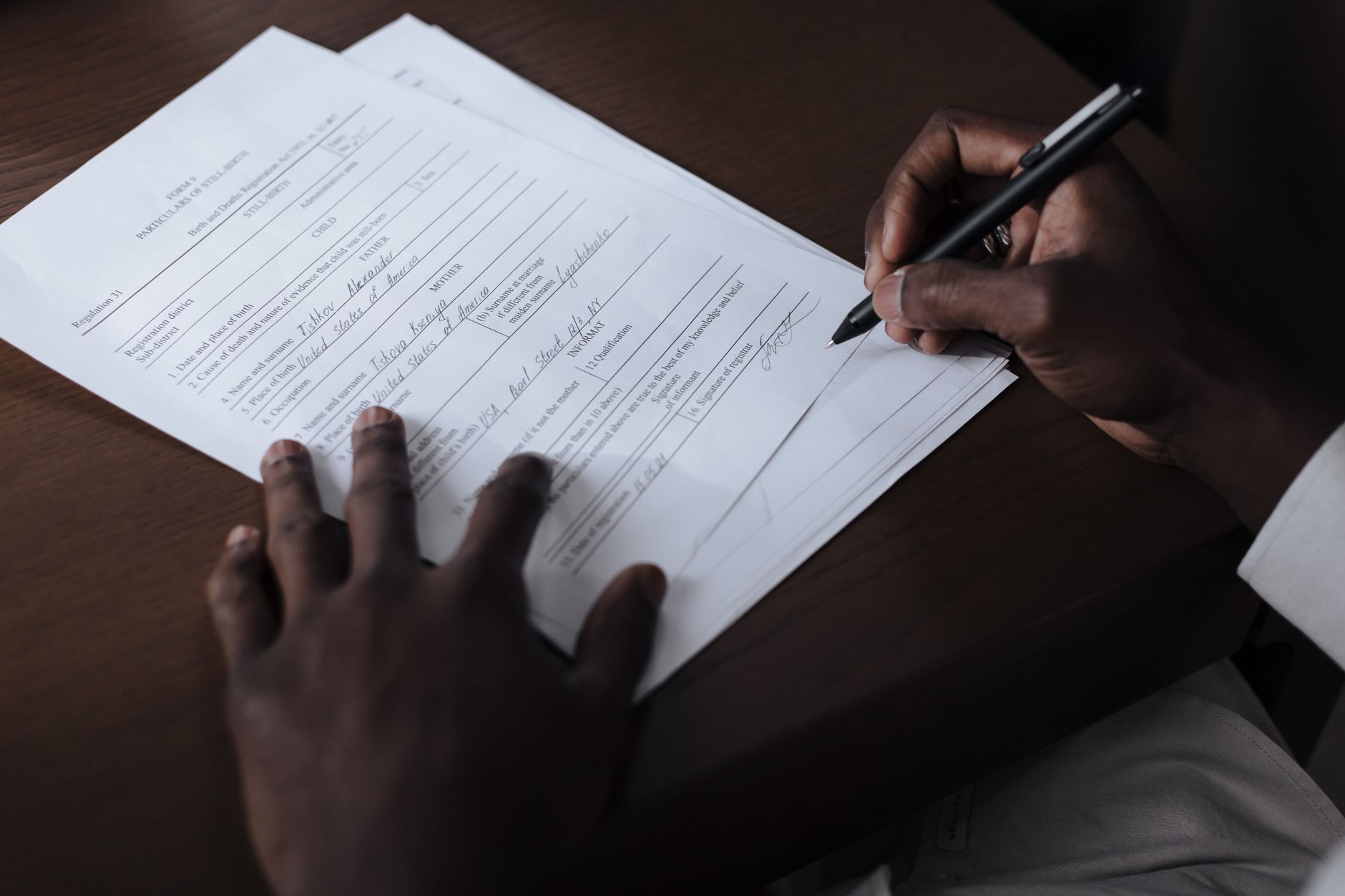
If you have ever stared at a blank page trying to remember what goes on a fax cover sheet template before sending medical records, a signed contract, or a claim form, you are not alone. Cover sheets look simple, but getting them wrong (missing a page count, forgetting a confidentiality notice, burying the subject line) is one of the most common reasons faxes get delayed or land with the wrong person. Below is a template you can copy today, the rules behind each field, and a look at how a lot of this becomes automatic once you send faxes from a browser instead of a machine.
What Belongs on a Fax Cover Sheet
A good cover sheet is not decoration. It is the first thing a receptionist, nurse, or paralegal sees, and it tells them what to do with everything behind it. At a minimum, include:
- Recipient name, department, and fax number, so the fax gets routed to the right desk
- Sender name, company, and callback number, in case a page is missing or unreadable
- Date and total page count, including the cover sheet itself, so the recipient can confirm nothing dropped in transmission
- Subject line, kept general rather than descriptive
- Urgency or handling notes, such as "for review" or "response requested by Friday"
The page count matters more than people think. Noting the total number of pages being sent, including the cover sheet itself, helps ensure all pages are received. A missing page in a legal contract or a lab report is not a minor inconvenience, it can change the meaning of the whole document.
One detail worth getting right: keep the subject line vague. Never include patient names, diagnoses, Social Security numbers, case details, or account numbers on the cover sheet itself, and keep the subject line generic, such as a records request rather than naming a specific person. The cover page usually sits face-up in a shared tray or inbox before anyone picks it up, so anything on it is effectively public for a few minutes.
A Ready-to-Use Fax Cover Sheet Template
Copy this and fill in the brackets:
```
FAX COVER SHEET
To: [Recipient name / department]
Fax number: [Recipient fax number]
From: [Your name]
Company: [Your company, if applicable]
Phone: [Callback number]
Date: [Date]
Pages: [Total, including this cover sheet]
Subject: [Short, general description]
Message:
[One or two lines of context. Not required, but it helps the recipient know what to do next.]
CONFIDENTIALITY NOTICE:
This fax may contain information that is confidential and intended only for the
named recipient. If you received this fax in error, please notify the sender
and destroy the document.
```
That last block is the confidentiality notice, and it deserves its own explanation because it is where most templates get vague or skip it entirely.
Confidentiality Notices: What to Actually Say
A confidentiality notice is not legal boilerplate you can ignore. The confidentiality notice should always appear on the fax's cover sheet, along with a notice of the intended recipients, their contact information, and the contact information of the sender. It exists specifically for the moment a fax gets misdialed and lands with the wrong office, which happens more often than most people expect.
A few practical rules for writing one:
- It is highly recommended that the word "confidential" appear prominently, in large type, on the cover page.
- State plainly that unauthorized recipients should not read, copy, or share the contents, and should instead contact the sender.
- It is usually not necessary to name the specific law involved (for example HIPAA) in the notice itself. Plain language protecting the recipient's privacy is enough for most everyday use.
This matters most for the exact documents people search for a template to send: medical records, insurance claims, signed legal agreements, and government forms. If you are faxing anything with a name, date of birth, account number, or case number attached, put the notice on, every time.
Do You Still Need a Printed Cover Sheet When You Fax Online?
Here is the part most cover sheet guides skip: if you are sending through an online fax service instead of a physical machine, you do not need to keep a separate template file, print it, and staple it to your documents. SendFax.me lets you add a cover page directly in the browser when you upload your PDF or image, so the recipient and page-count fields get attached automatically instead of you formatting a document by hand each time.
The practical workflow looks like this:
- Upload your PDF or image (or fill and sign a document first if it still needs a signature)
- Add a cover page with the recipient details and your message
- Enter the destination number and send
Because pricing is pay-as-you-go per page with no subscription, and your first fax is free, there is no reason to keep a physical machine around just to attach a cover sheet correctly. If you have never sent one this way before, the guide to sending your first fax walks through the exact steps.
For Repeat Senders: Save the Template, Not Just the Paper Copy
If you fax the same type of document often (referrals, intake forms, signed releases), save your cover sheet wording once in your contacts book alongside the recipient's number, so you are not retyping the confidentiality notice every time. And if you are a clinic, law office, or logistics team sending dozens of cover-sheeted documents a day rather than one at a time, that is a sign to look at the fax API instead: it sends the document and cover page together with a single request and gives you a delivery status webhook instead of a paper confirmation slip to file.
While you're automating the boring parts of running a small business, it's worth mentioning that Agentika does something similar for customer conversations, an AI assistant widget that answers website visitors and books appointments around the clock, so front-desk staff aren't stuck relearning workflows to keep up.
A fax cover sheet is a small piece of paper that carries real legal and practical weight. Get the fields right, keep the confidentiality language honest and specific, and once you are tired of formatting the same page by hand, let the software attach it for you.
Need to send a fax right now?
Upload your document, enter the number, and it's delivered in minutes, and your first page is free. No fax machine, no subscription.