
Fax API for Pharmacies: Automating Prescription Faxing
The SendFax.me Team · September 25, 2026 · 5 min read
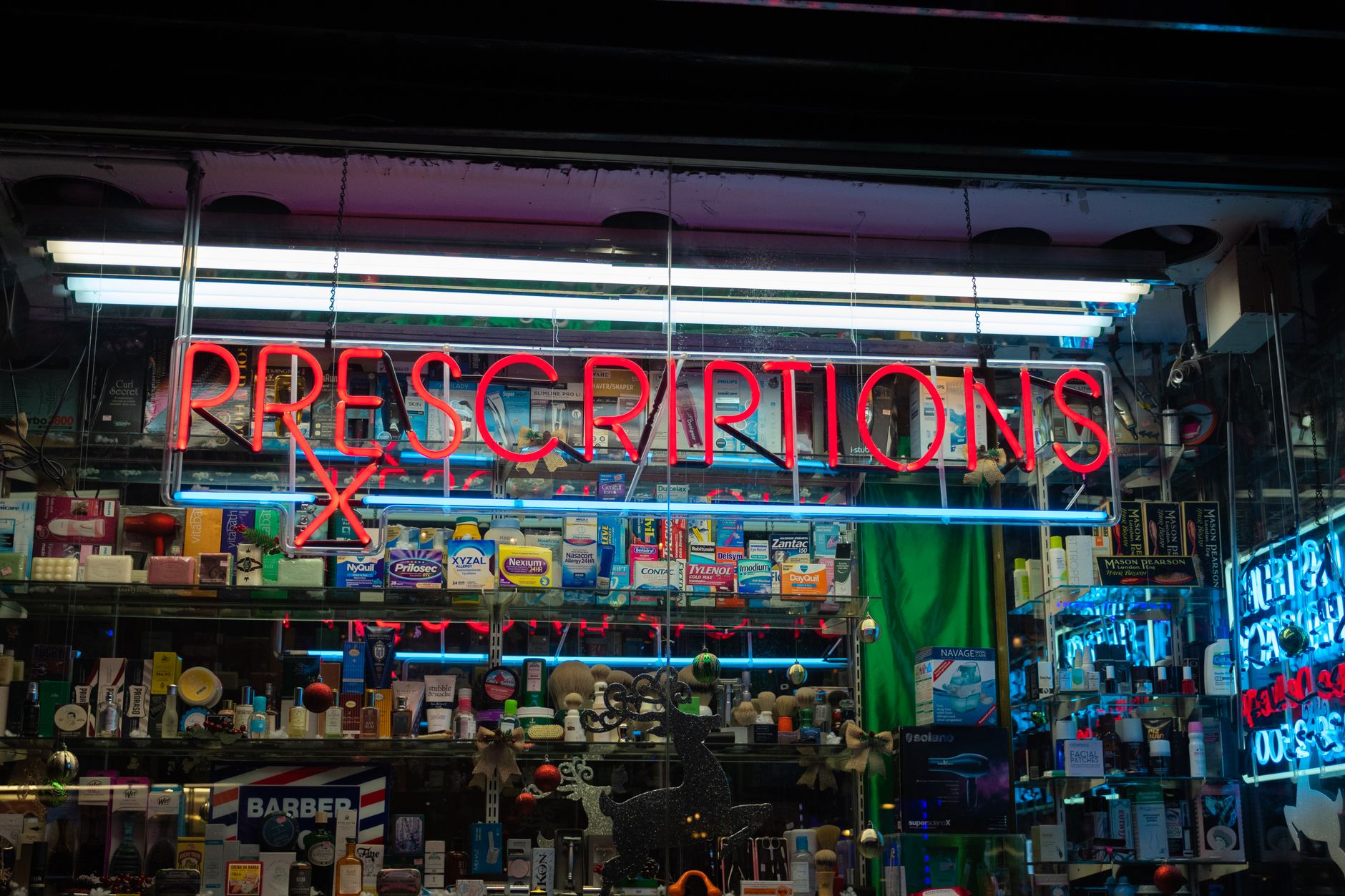
If you run pharmacy operations or build software for one, you've probably searched for a pharmacy fax api because the fax machine in the back office is still the busiest device in the building. E-prescribing handles most new prescriptions now, but transfers, refill authorizations, prior authorization paperwork, and PBM correspondence still land on a fax line every single day. Automating that flow with a REST API, instead of replacing it with something pharmacists have to relearn, is usually the fastest win available to a pharmacy's tech stack.
Why pharmacies still run on fax
The numbers explain why fax refuses to disappear from pharmacy workflows. As of 2026, over 2.6 billion e-prescriptions were filled in 2024 through the Surescripts network, with 83.9% of active prescribers EPCS-enabled and 96.3% of pharmacies ready to receive them. That sounds like fax should be dead. It isn't. Despite the rise of e-prescribing, roughly 70% of healthcare providers still use fax to exchange medical information, and pharmacies remain at the center of that flow. The nation's largest pharmacies, Walgreens and CVS, depend on fax servers for prescription orders.
A typical retail location isn't dealing with an occasional fax either. Most pharmacies receive 20 to 30 faxes per day, and the volume spans multiple use cases. Prescription transfers between pharmacies, refill authorization requests back to prescribers, and prior authorization documentation to PBMs all still travel this way, largely because prior authorization requests, coverage documentation, and medication clarification forms may still be exchanged by fax when organizations lack compatible electronic workflows or when payer processes require it.
There's also a technical reason baked into the standards themselves. Every claim a pharmacy submits carries a Prescription Origin Code, and NCPDP's code set still includes a dedicated value, code 4, for a prescription that arrived by facsimile, including scanned e-fax images. Fax isn't a workaround the industry tolerates, it's a transmission method the billing standard explicitly accounts for.
The hidden cost of manual fax handling
The problem isn't that fax exists, it's how it's usually handled. When a facsimile prescription lands on a physical or shared fax line, a technician has to read handwriting, key it into the pharmacy system, and a pharmacist has to verify it. That data entry and verification step alone takes approximately 25 minutes per prescription in typical workflows, according to patent filings describing the process. Multiply that by 20 to 30 incoming faxes a day and the labor cost adds up fast, before you even count the hardware.
Running that volume on physical equipment isn't cheap either. A dedicated analog phone line for a fax machine typically costs $20 to $50 a month, on top of toner, paper, and the eventual hardware replacement when a roller or board fails. None of that goes toward actually filling prescriptions faster.
What a fax API actually automates
A fax API doesn't try to force pharmacies onto a new prescribing standard. It replaces the machine and the manual re-typing with a program that can send, receive, and track faxes as part of software the pharmacy already runs. In practice that covers:
- Prescription transfers to other pharmacies: generate the transfer document from the pharmacy system and fax it automatically instead of printing and feeding it into a machine.
- Refill authorization requests to prescribers: trigger a fax the moment a refill request needs physician sign-off, with a delivery report confirming it reached the office.
- PBM and insurer correspondence: send prior authorization forms, eligibility clarifications, and coverage documentation without a staff member standing at a fax tray.
- Inbound prescription capture: receive faxes to a dedicated number and route the PDF straight into a queue or EHR/pharmacy system instead of a paper tray anyone can walk past.
SendFax.me's fax API is built for exactly this kind of integration. A pharmacy system, PBM connector, or logistics platform can send a fax with a single POST request, get real-time status through webhooks instead of polling, and generate API keys straight from the dashboard. For high-volume senders, that scales through volume credit packs starting around 4 cents per US page, which is a fraction of what a dedicated fax line, toner, and staff time cost per document once you factor in labor.
Getting started without disrupting pharmacy workflow
Moving from a fax machine to an API doesn't require ripping out anything pharmacists rely on. A typical rollout looks like this:
- Create an account and generate an API key from the dashboard at sendfax.me/signup.
- Point outbound documents at the API so transfer requests, refill authorizations, and PBM forms generate and fax automatically from whatever system already creates them.
- Register a webhook endpoint so your software gets a real-time status update the moment a fax is delivered or fails, instead of a pharmacist checking a machine for a confirmation sheet.
- Get a dedicated fax number for inbound documents so incoming prescriptions and PBM replies land in software instead of a shared paper tray.
- Review the docs at sendfax.me/developers for endpoint details, authentication, and webhook payloads before your first integration test.
Compliance still matters
Switching to an API doesn't change the compliance bar. HIPAA does not require healthcare organizations to use a specific communication technology. Instead, it requires covered entities and their business associates to apply reasonable safeguards to protect protected health information. That means the same discipline that applied to a fax machine, limiting who can access received documents and confirming transmission, still applies to an automated pipeline. If you're weighing fax against other transmission methods for PHI, our guide on fax vs email security breaks down where each one stands.
For pharmacies and PBMs that also handle patient-facing communication, it's worth automating that side too. A tool like Agentika, a 24/7 AI assistant widget for service businesses, can answer common patient questions and capture callback requests on your website while your fax pipeline handles the paperwork in the background.
Fax isn't leaving pharmacy operations anytime soon, and trying to force every trading partner onto e-prescribing before they're ready just adds friction. The more practical move is automating the fax itself so it stops eating staff time. Start with sendfax.me to send a test fax for free, then move the recurring volume onto the API once you've confirmed it fits your workflow.
Need to send a fax right now?
Upload your document, enter the number, and it's delivered in minutes, and your first page is free. No fax machine, no subscription.